How to Create, Run, and Edit Workflows
Quick Hub’s Workflow Automation lets you automate repetitive tasks and streamline processes with ease. Turn complex workflows into simple, time-saving actions—all in just a few clicks. To create workflows for Quick Hub Automation, follow the steps below.
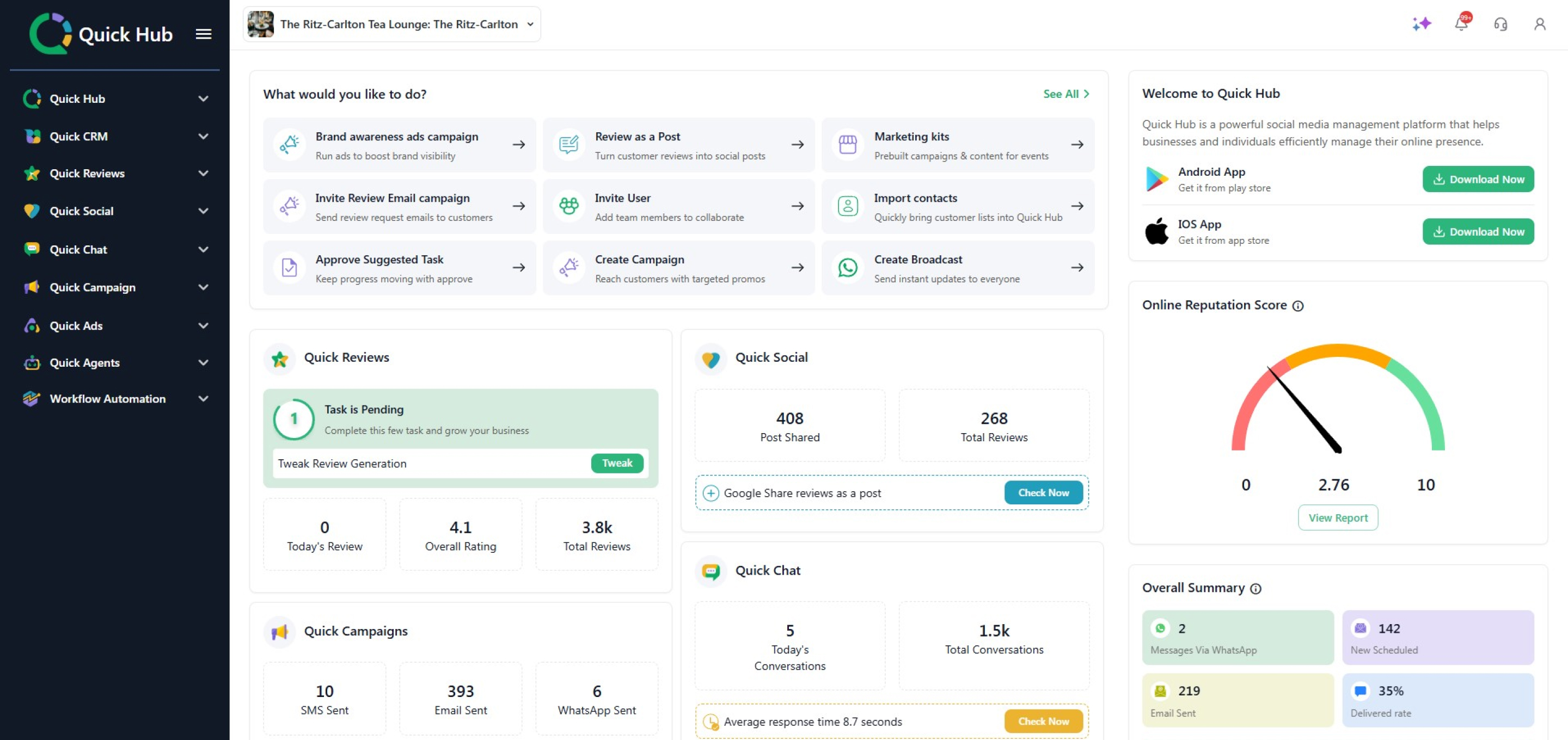
- Go to Quick Hub.
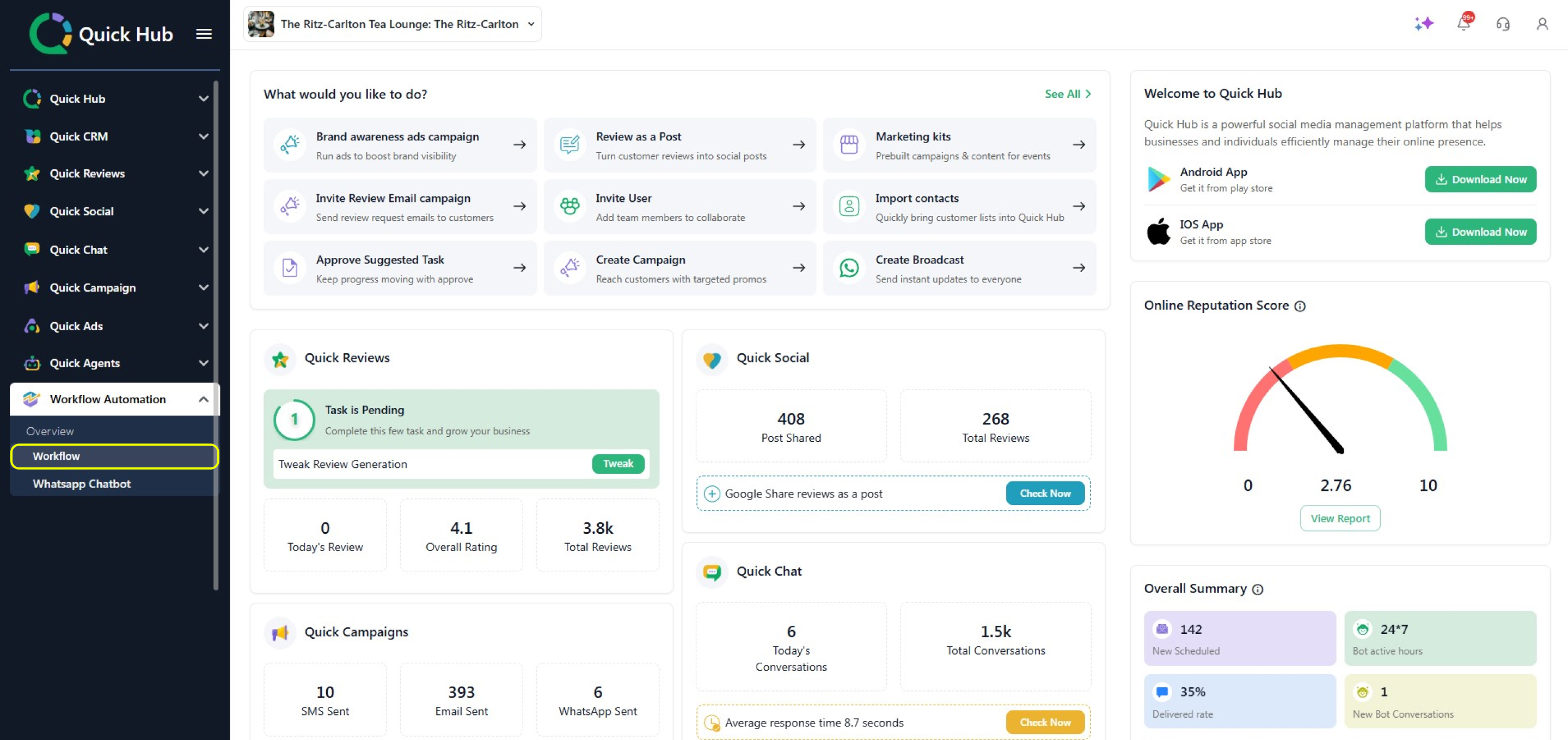
- On the left side, click Workflow Automation and then Workflow.
-
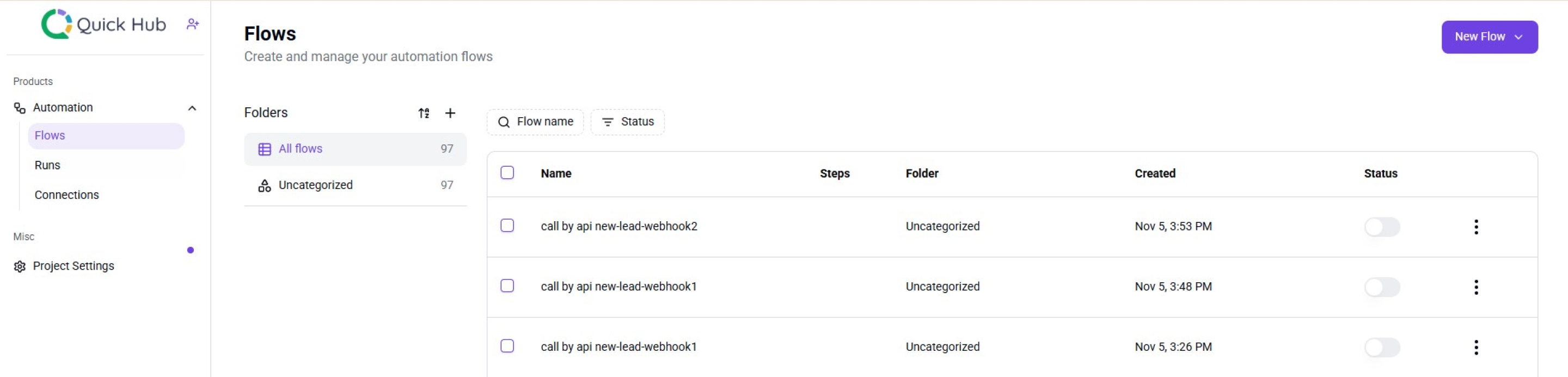
You will be redirected to a new page.
-
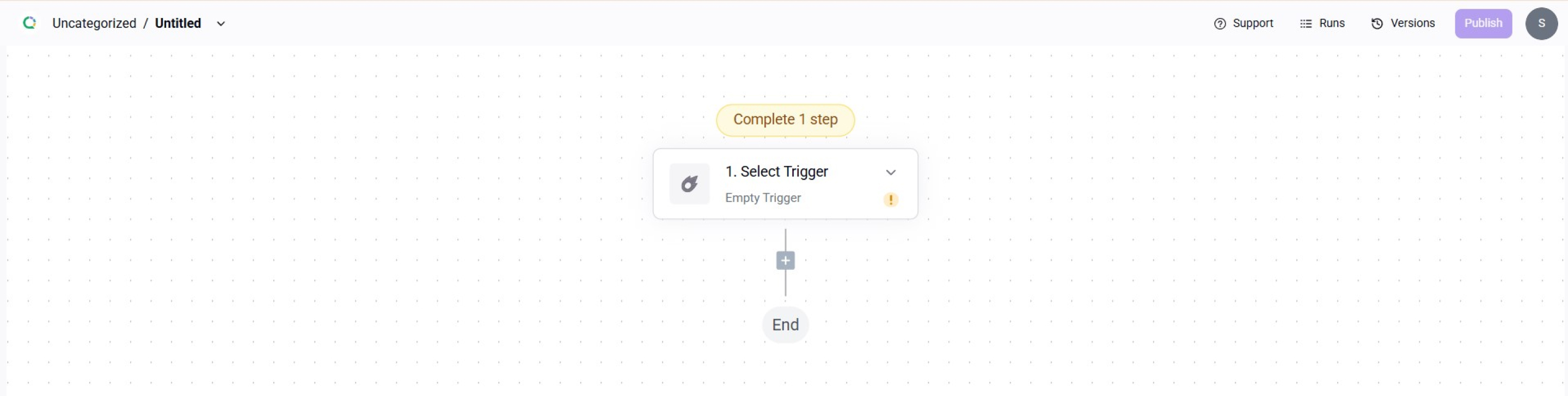
To create a new flow, click New Flow in the top right corner.
-
From the dropdown, choose a trigger. Please note that each trigger has its own specific data input requirements.
-
For this example, select the trigger as New Comment and Quick Social.
-
Add the connection, business list, social media list, and post list. This means if there are any new comments on your posts, you will receive email notifications for them.
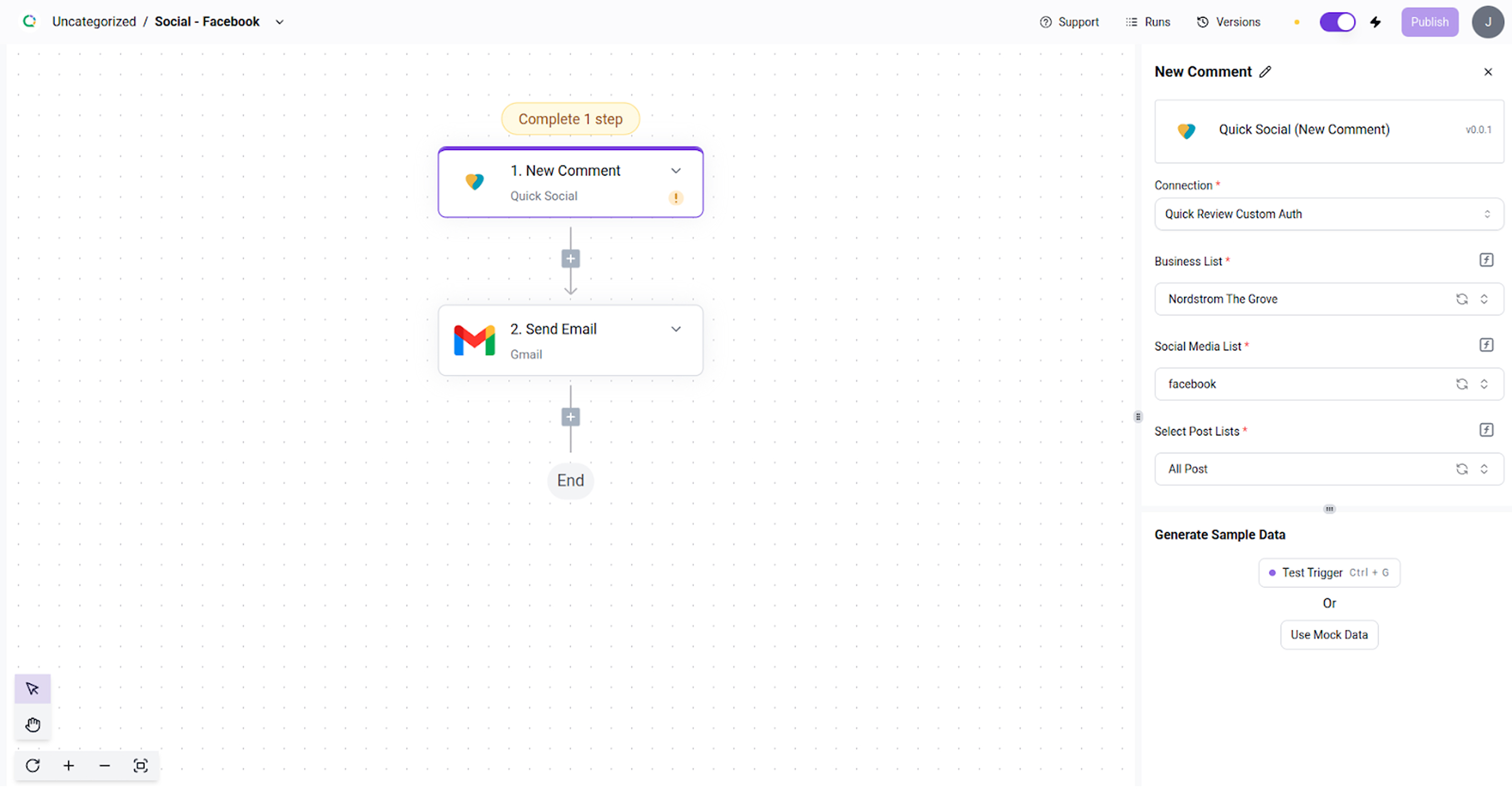
- Once you have added all the steps, click Publish.
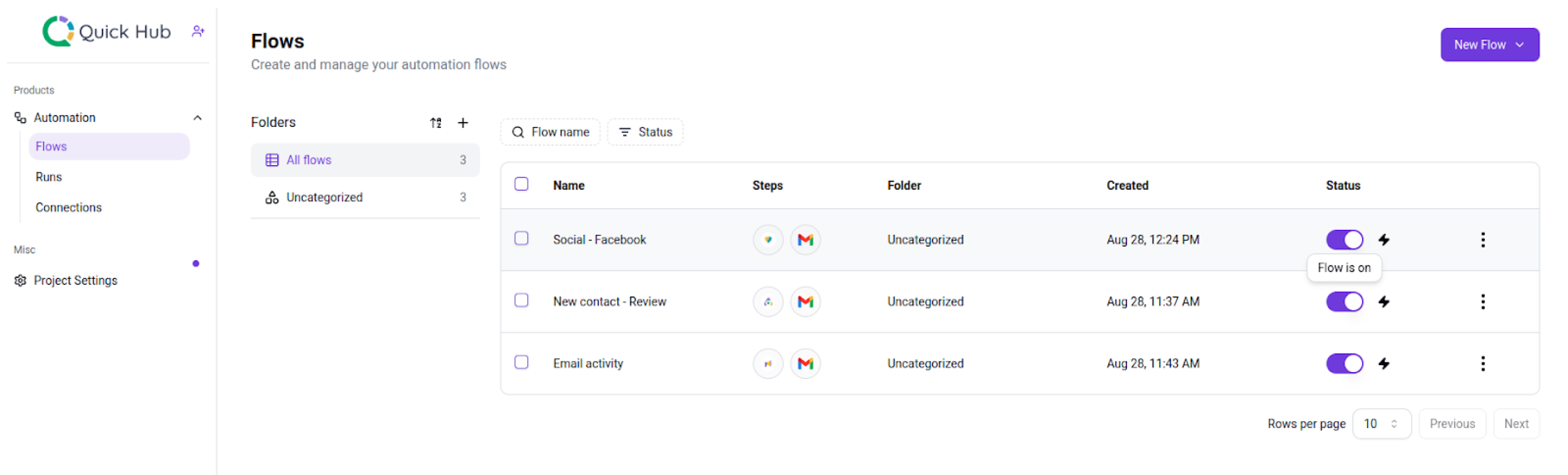
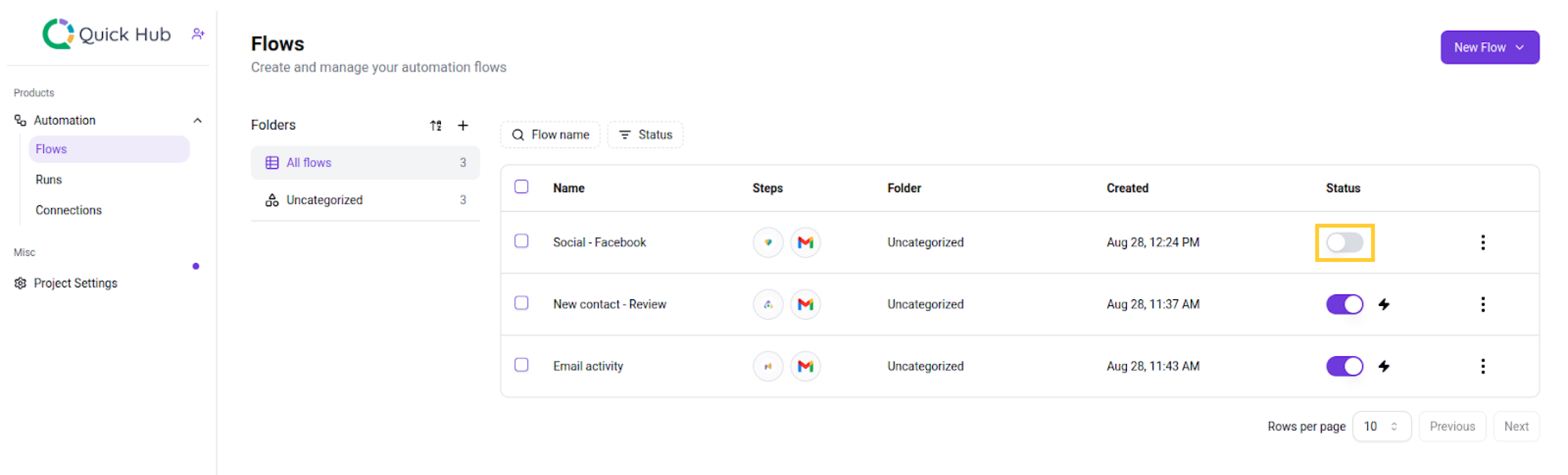
- The Status tab shows how many flows are active, and you can turn them on or off with a toggle.