How to Manage Businesses on Quick Hub
You can now add, remove, and edit information and logos, as well as manage businesses on Quick Hub by following these steps:
-
Go to Quick Hub.
-
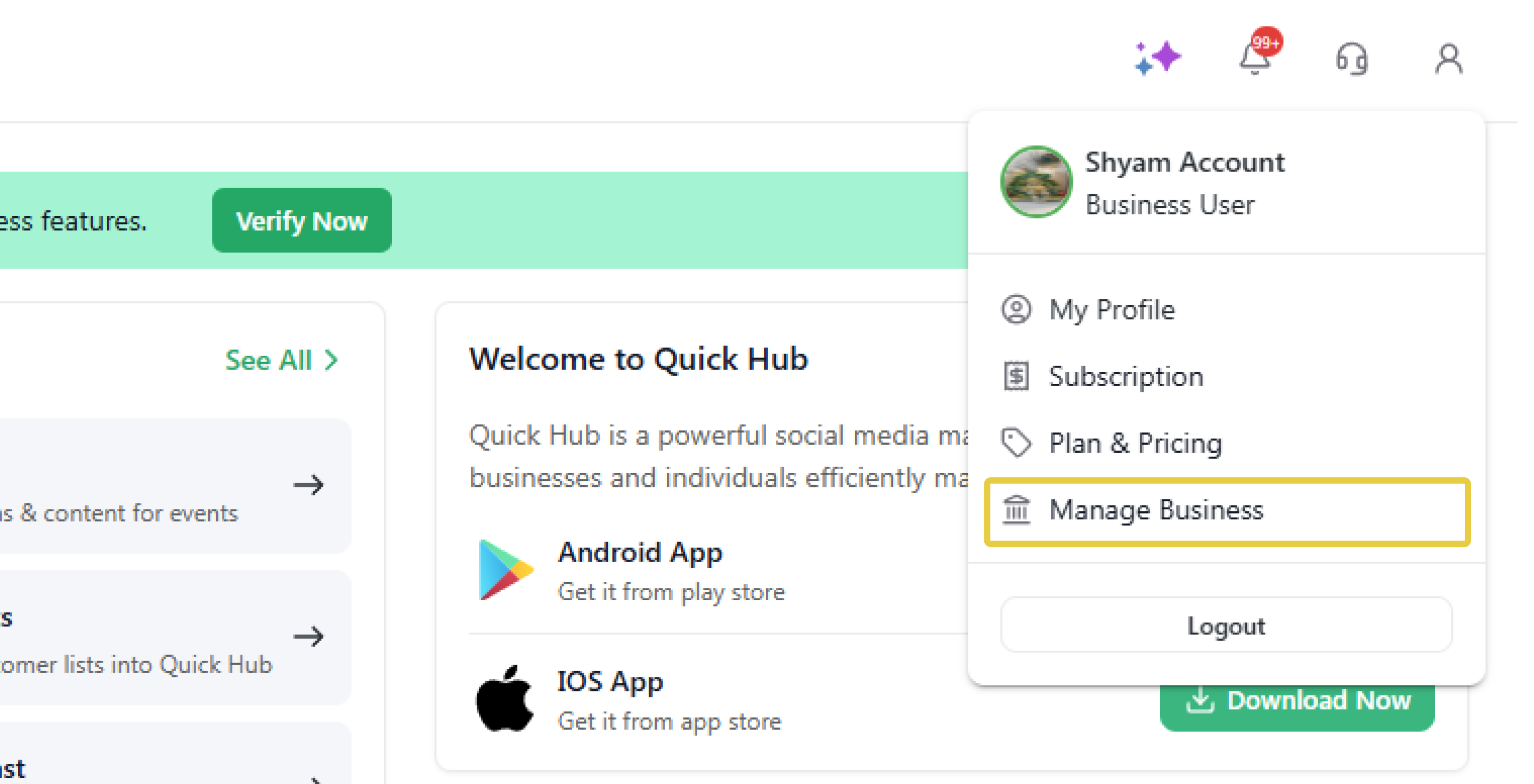
Click the profile icon at the top right corner.
-
Click Manage Business.
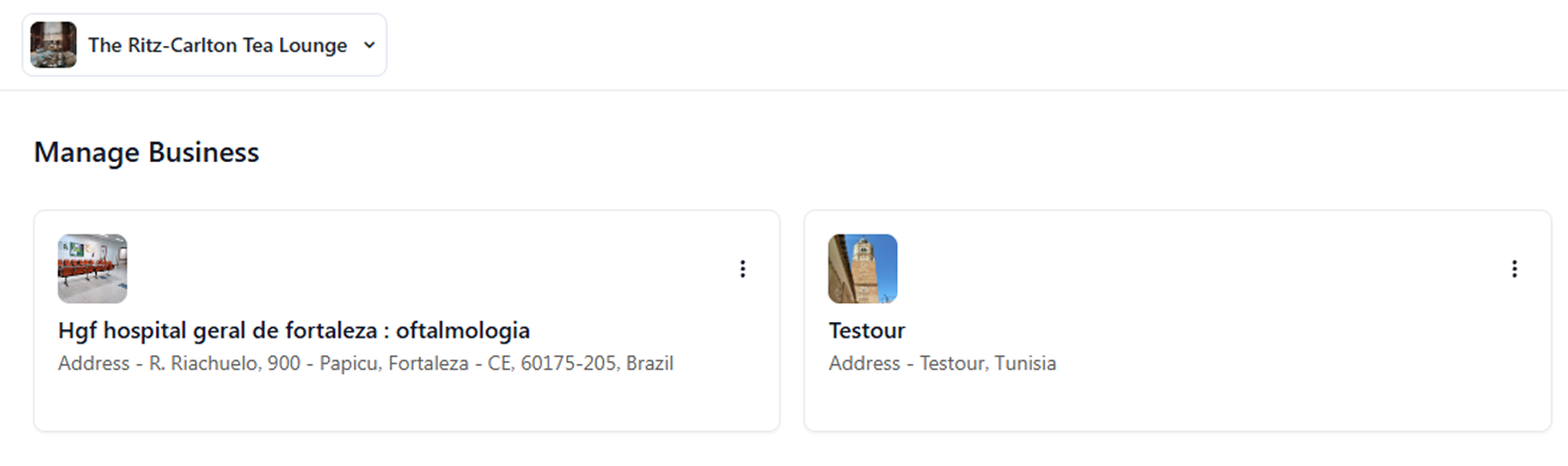
- To add a business, click Add Business at the top right corner.

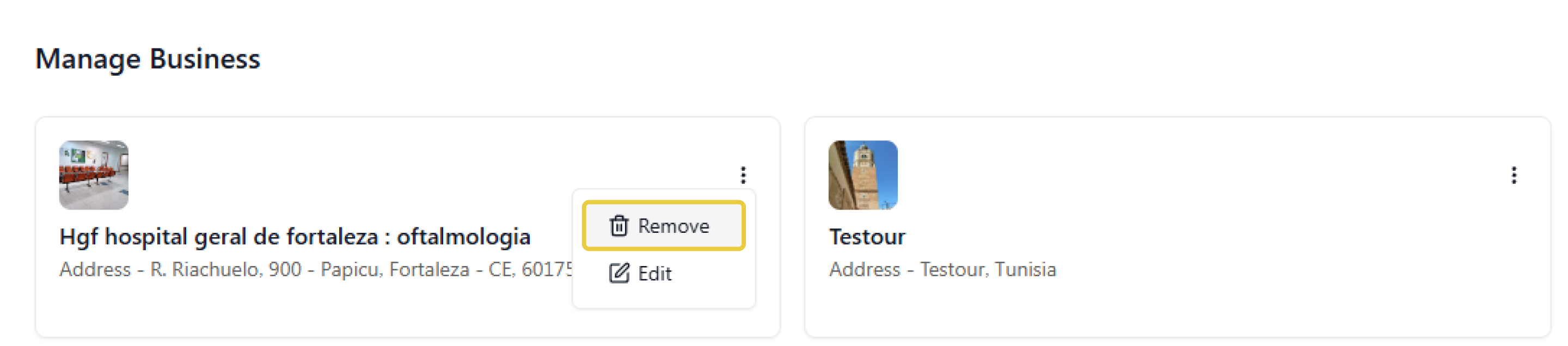
- To remove a business, click Remove under the business name.
- Then, click Remove Business.

- To edit a business, click Edit under the business name.
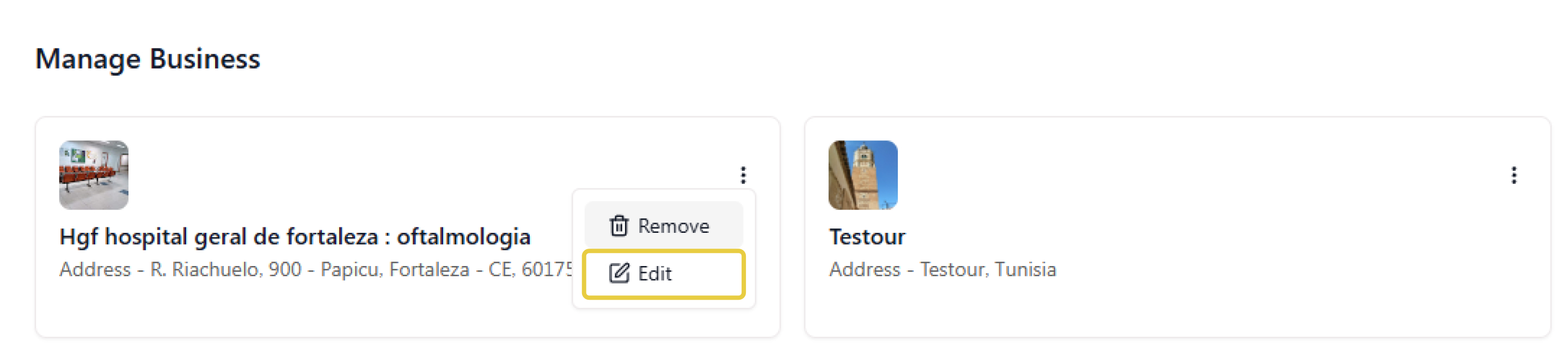
- To add a business logo, click the 'Upload logo' option and add a pre-designed logo.
- Once you have entered all the details for the new business, click Save.

- To view all the businesses under your account, go to the 'Businesses' option under Quick Hub overview.
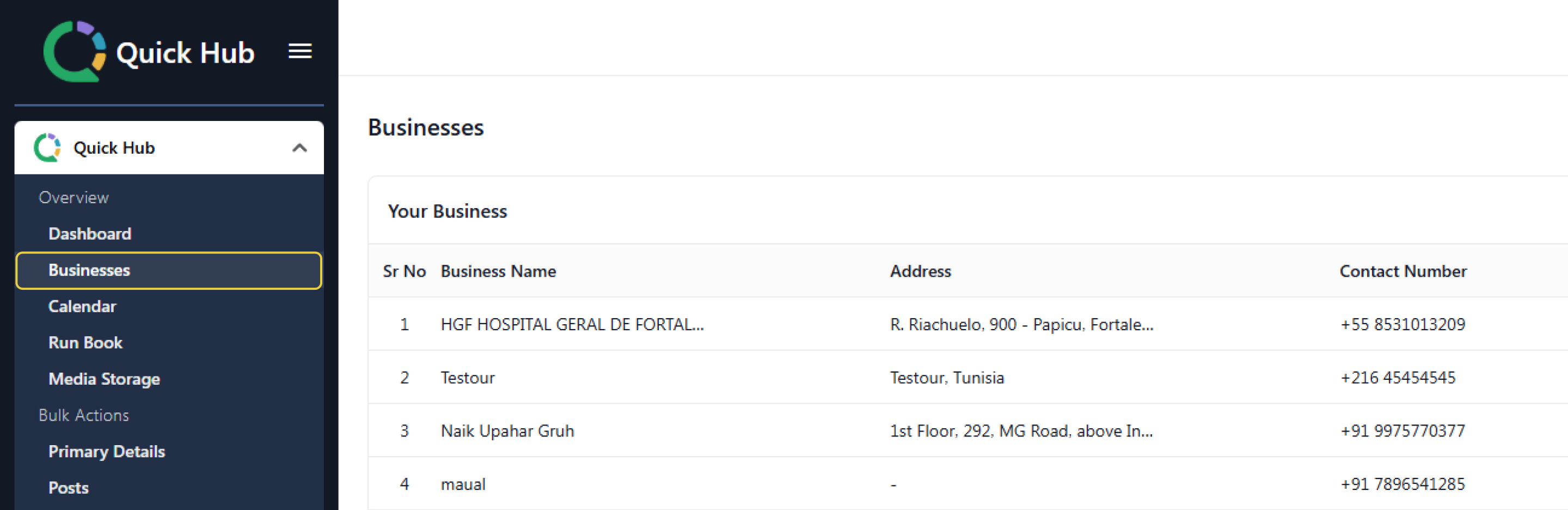
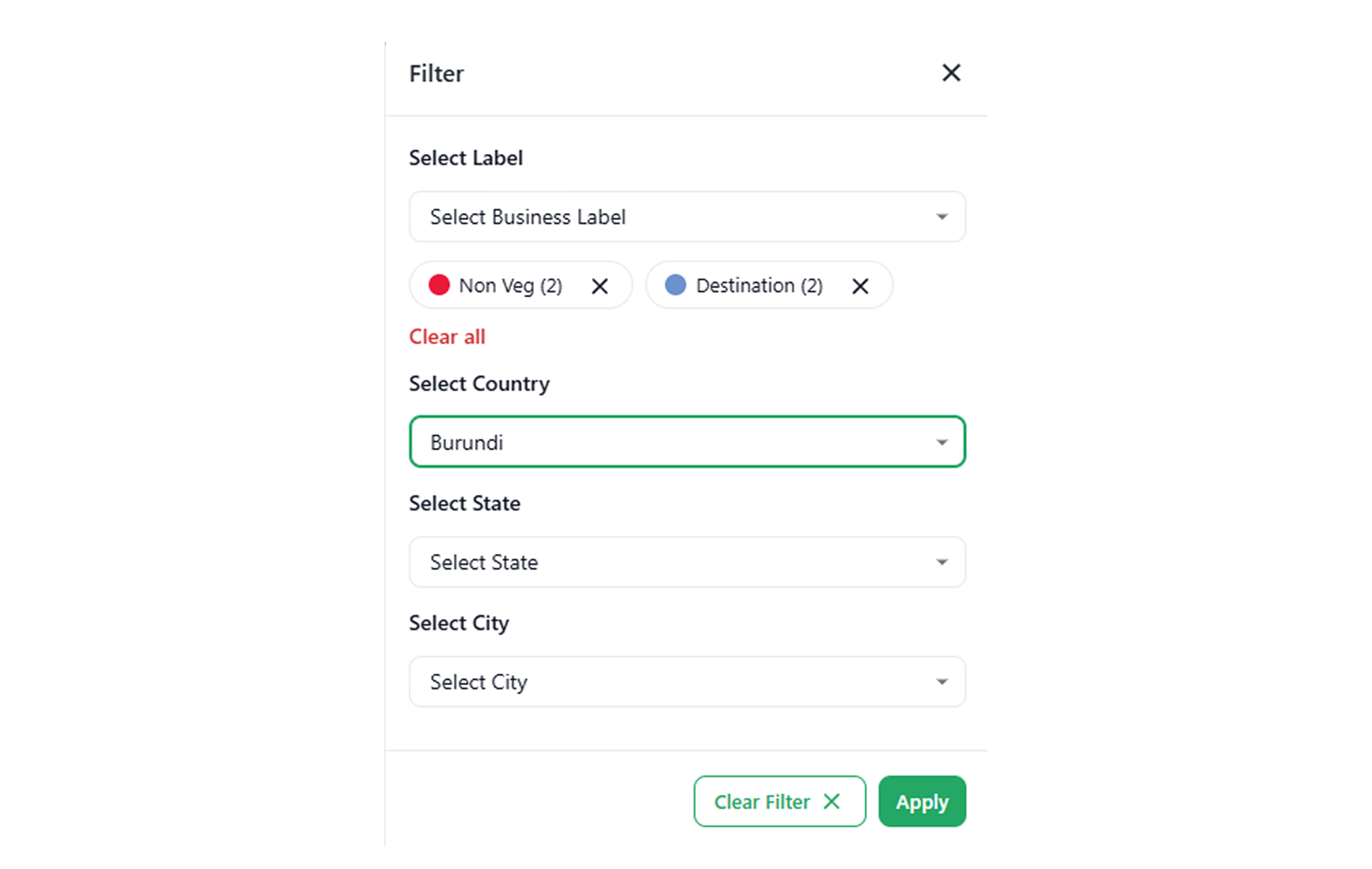
- To filter businesses by label, country, state, and city, click the 'Filter' option in the top right corner, then click 'Apply'.