How to Broadcast on WhatsApp
To broadcast or schedule a broadcast message on WhatsApp, follow the steps below.
-
Go to Quick Hub.
-
Click on 'Quick chat,' and then on the 'Broadcast' option.

-
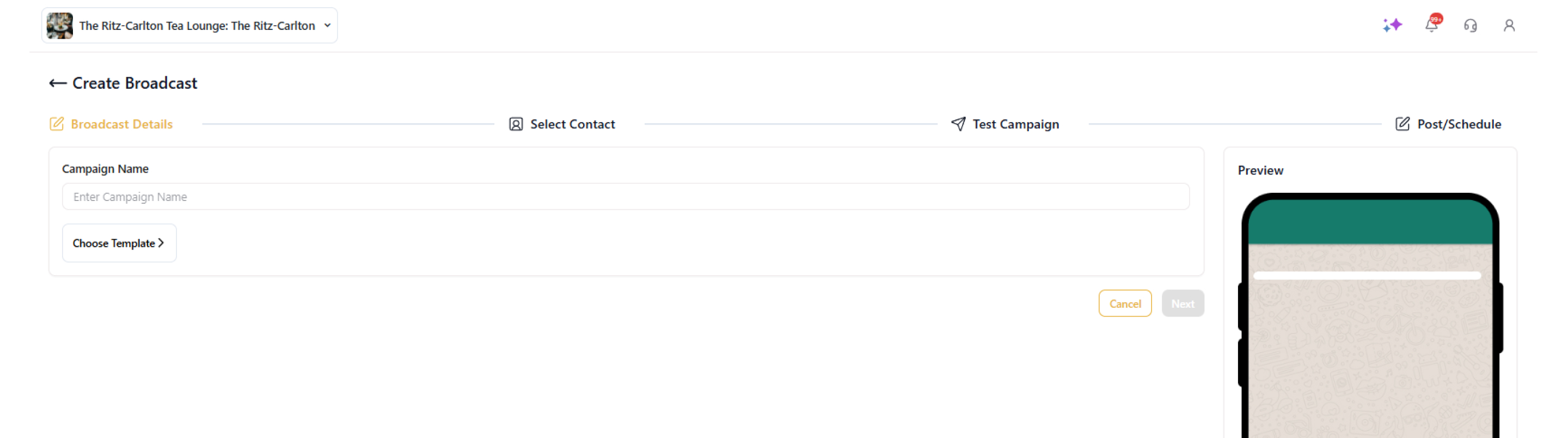
In the top-right corner, click New Broadcast to create a new broadcast.
-
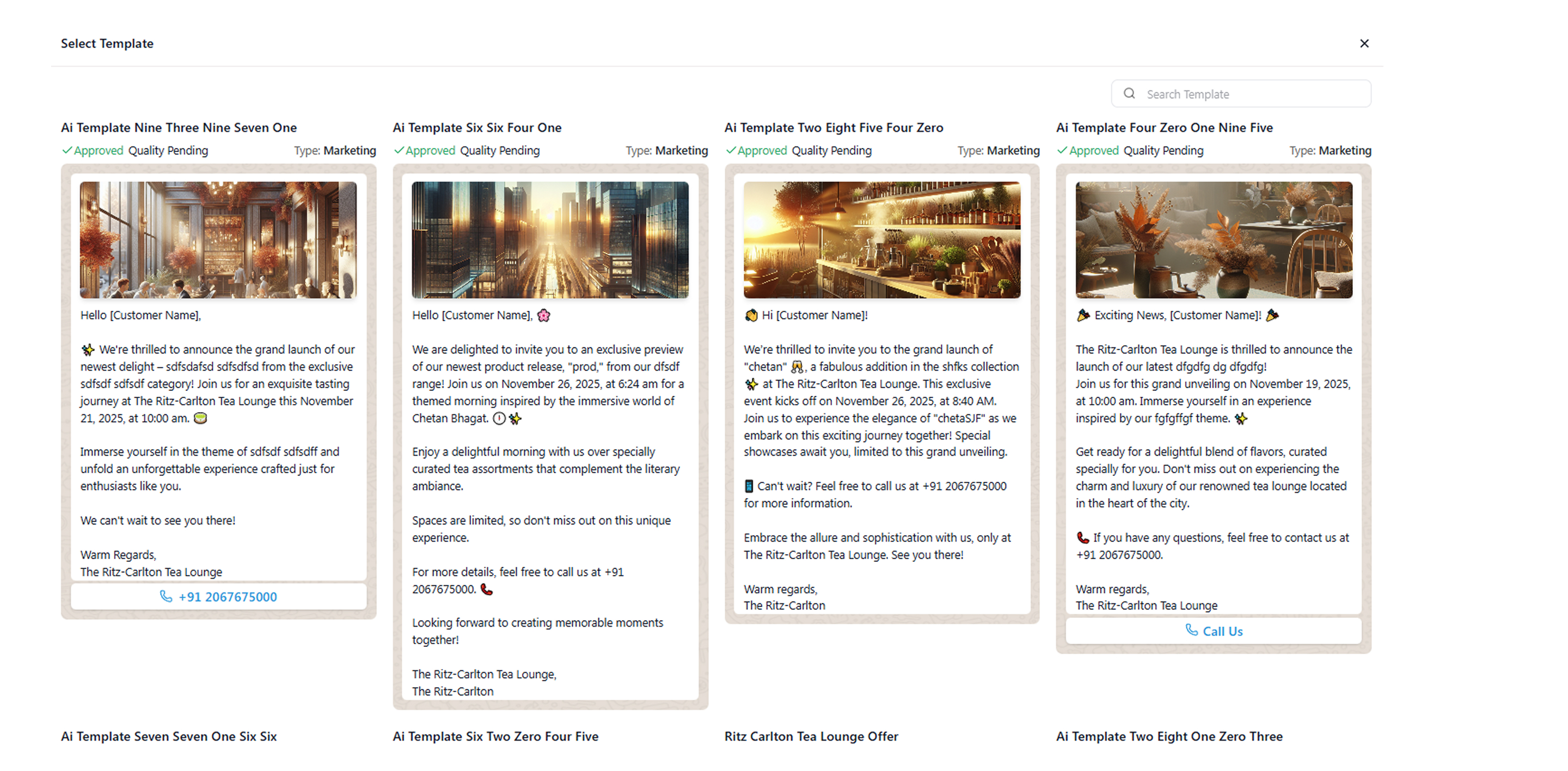
Select a template from the available options.
- For this example, let’s select option 2.
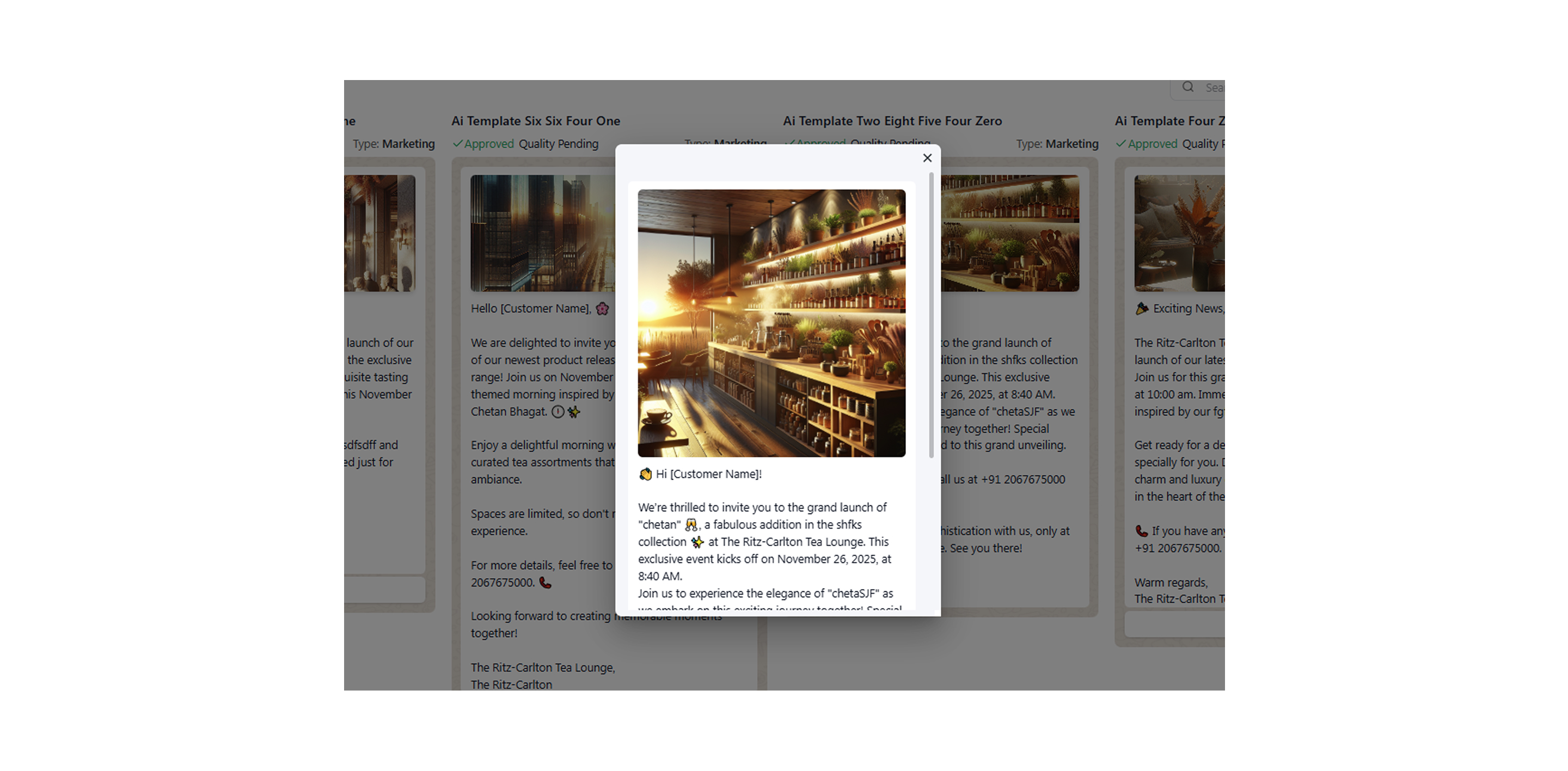
-
Click Next.
-
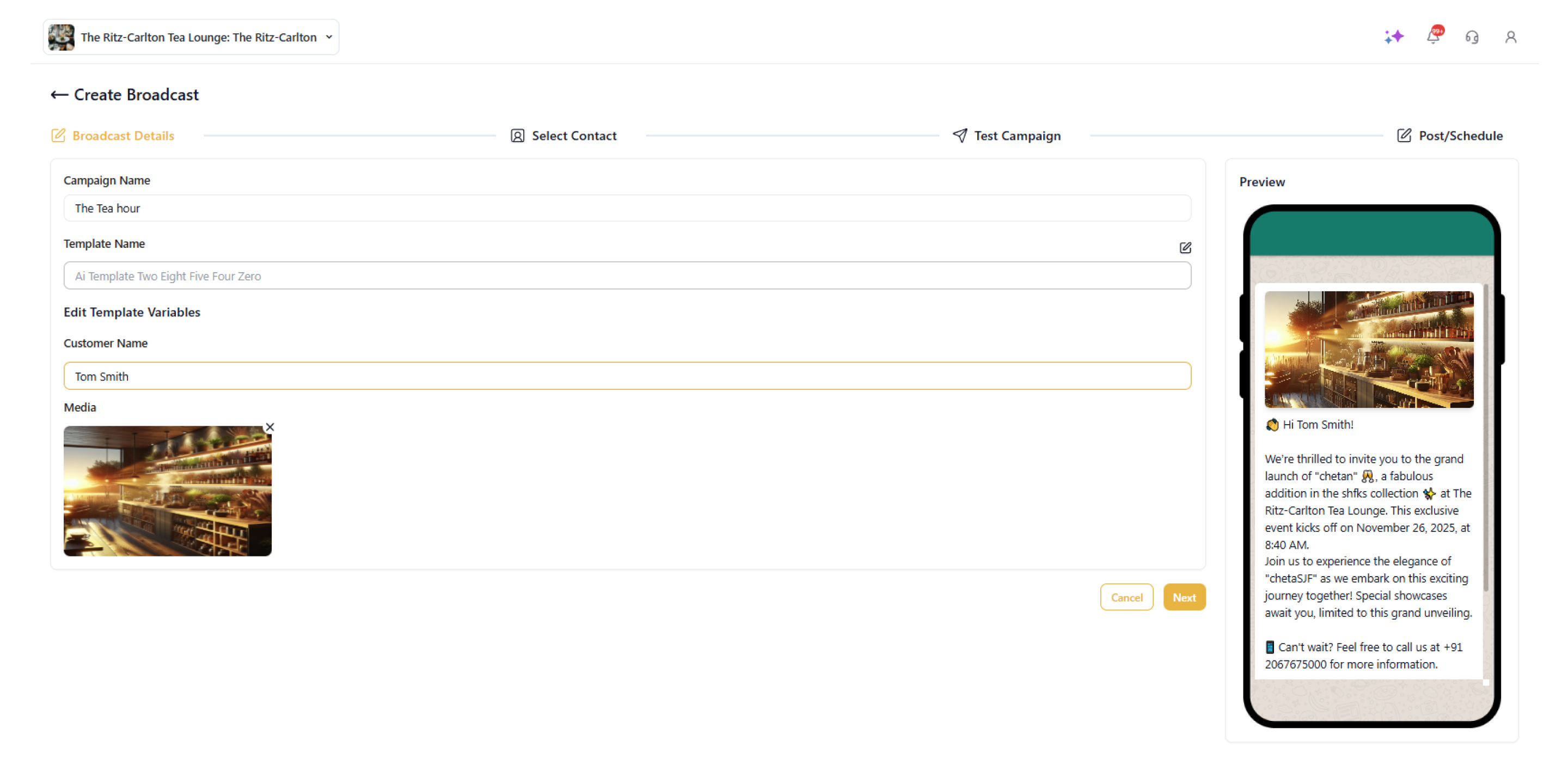
On the next page, enter the campaign name, edit template variables, and add media.
- Click on 'Next.'
- Then, select contacts and add tags.

-
Click on 'Next.'
-
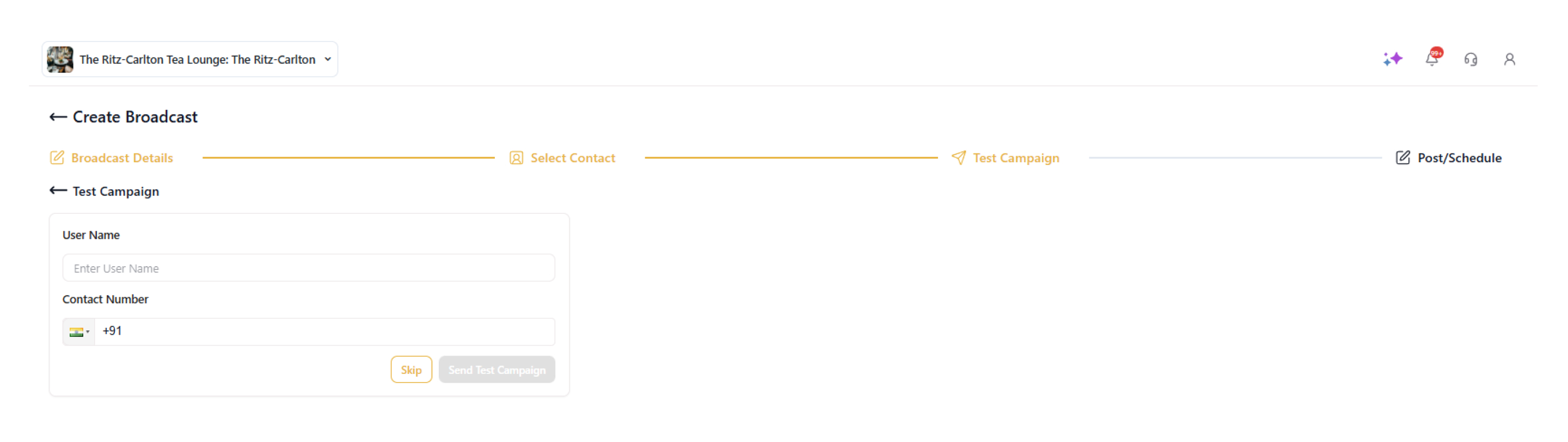
To send and check a test campaign, enter the user name and contact number. Then click Send Test Campaign.
- On the next screen, confirm the details and either send the broadcast instantly with Send Now or schedule it for later using Schedule.

- To schedule, select the date and time when you want to broadcast.

- Click Schedule.

- Your campaign has been scheduled successfully.